Building a Full-Stack Inventory System with Django, DRF & Next.js: My Real-World Workflow
In this post, I share how I used Django, Django REST Framework (DRF), and Next.js (React) to build a full-featured inventory management system. After completing the ALX Backend Development track, I created a RESTful API with role-based access, real-time stock tracking, and low-stock alerts. I then built a responsive frontend dashboard using Next.js to bring the system to life. This post covers key features, how the frontend and backend communicate, and lessons learned from deploying a production-grade app.
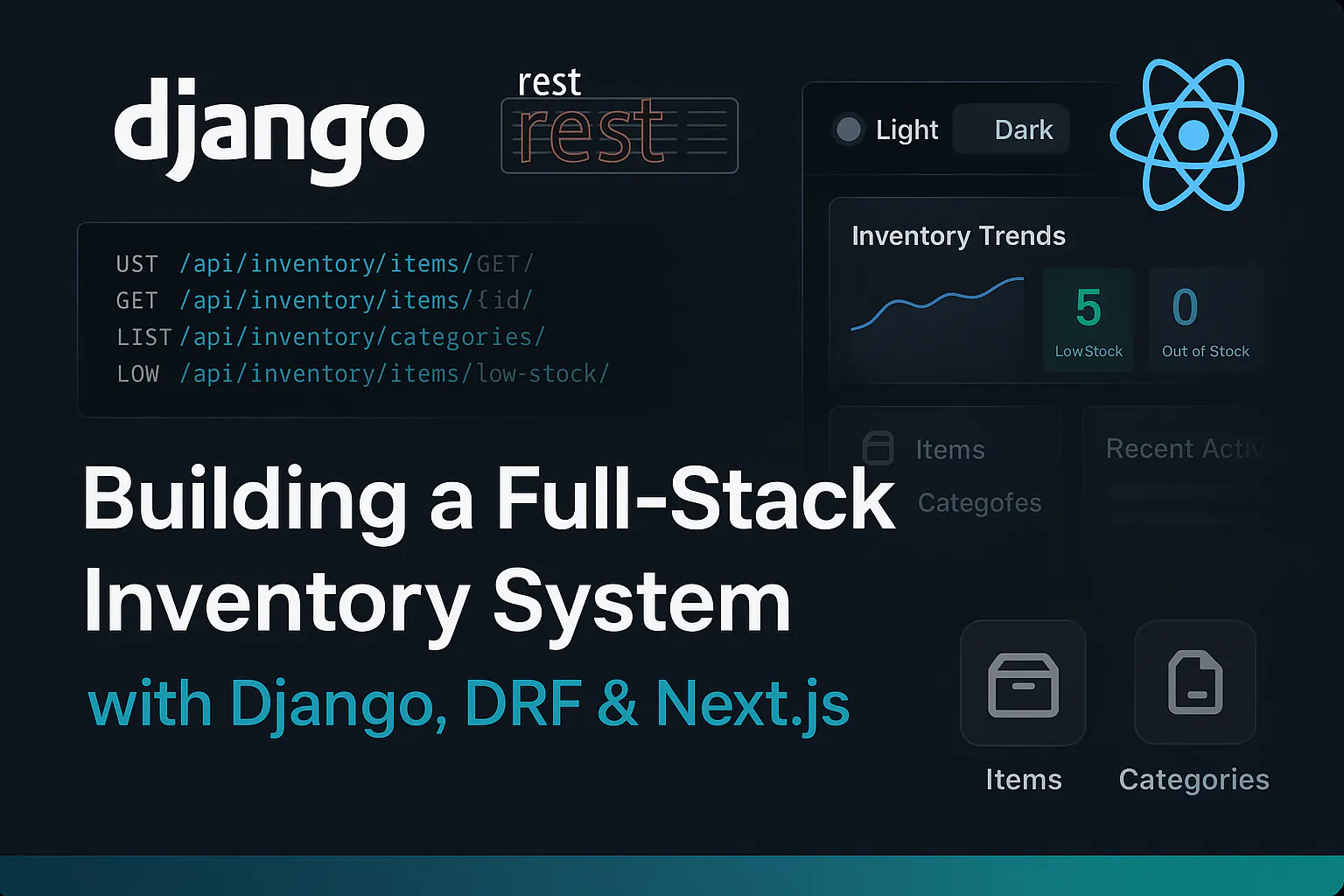
After completing the ALX Backend Development program, I built a full-featured Inventory Management API using Django and Django REST Framework (DRF). But I didn’t stop there.
To make the system fully functional and user-friendly, I created a frontend dashboard with Next.js that consumes the API and offers a sleek, intuitive interface for managing inventory.
In this post, I’ll walk you through how I combined React, Django, and DRF in a real-world project.
Project Overview
- Backend: Django + DRF
A RESTful API for inventory management with full CRUD operations, real-time stock tracking, low-stock alerts, and role-based access control. - Frontend: Next.js (React)
A responsive dashboard UI with light and dark themes, interactive charts, and advanced inventory features.
Backend Features at a Glance
- User Authentication & Authorization: JWT-based auth using SimpleJWT
- Inventory Item Management: Add, update, delete, and view inventory items
- Category Management: Organize inventory by category
- Stock Tracking: Real-time updates with stock level history
- Filtering & Searching: Advanced filters (by category, price, stock)
- Pagination: Efficient data loading and navigation
- Stock Status Tags: Clearly indicate "In Stock", "Low Stock", and "Out of Stock"
- RBAC: Staff can manage all items; regular users can manage only theirs
- Low Stock Alerts: Email notifications when stock is low
- API Docs: Auto-generated Swagger and ReDoc documentation
Backend Deployment: https://namodynamic1.pythonanywhere.com/api/inventory/
Why Django + DRF?
Django is a powerful backend framework with batteries included, ORM, authentication, admin panel, and more. DRF adds flexibility and structure for building APIs.
Some features I used:
- ModelViewSet for fast CRUD endpoints
- SimpleJWT for token-based auth
- Custom permissions to restrict access by role
Example:
Why Next.js for the Frontend?
I chose Next.js for its speed, structure, and flexibility. It allowed me to:
- Leverage the App Router for modular routing and server-side capabilities:
- The App Router provided a robust and intuitive way to organize routes, co-locate data fetching, and manage component rendering. It offers the flexibility to choose between server-side rendering (SSR), static site generation (SSG), and client-side rendering (CSR) on a per-component or per-route basis, optimizing performance where needed.
- Implement efficient data fetching patterns, including client-side fetching with a custom Workspace API wrapper:
- For interactive components and real-time updates, I utilized client-side rendering (CSR) within "use client" components, fetching data after the page loads. My custom api config helper centralizes request logic, handles authentication (including token refreshing), and standardizes error handling, providing an organized and robust approach similar to what a library like Axios would offer, but built directly on the native Workspace API. While the current implementation focuses on client-side fetching, Next.js also provides powerful server-side rendering (SSR) and static site generation (SSG) options for initial page loads and SEO optimization, which could be integrated to other parts of the application.
- Deploy seamlessly with Vercel:
- Vercel's optimized platform makes deployment and continuous integration effortless, tightly integrated with Next.js features for superior performance.
- Utilize Tailwind CSS for a clean, responsive, and maintainable design system:
- Tailwind's utility-first approach enabled rapid development of a consistent and responsive UI, ensuring a great user experience across various devices.
Frontend Features at a Glance
- Dashboard: Displays inventory trends, low-stock alerts, and recent activity
- Item & Category Management: Full CRUD support
- Analytics: Visualize inventory movement and stock levels
- Authentication: Secure login and registration
- Responsive Design: Optimized for desktop and mobile
- Theme Support: Toggle between light and dark modes
- Search & Filters: Search by name, category, SKU; filter and sort results
Frontend Stack:
- Next.js
- TypeScript
- Tailwind CSS
- Shadcn UI
Frontend Deployment: https://inventory-management-ui.vercel.app
Connecting Frontend and Backend
To ensure smooth communication:
CORS setup in Django:
API Client config in Next.js:
Authentication Flow
- User logs in via the frontend.
- Next.js sends credentials to /api/token/ (DRF SimpleJWT).
- On success, access and refresh tokens are stored in httpOnly cookies.
- Future API calls use the access token in headers.
Testing and debugging
- Postman for endpoint testing and debugging
- Swagger and ReDoc for interactive API docs
- React DevTools and browser console for UI state debugging
- Django admin panel for quick backend data checks
Deployment
- Backend (Django + DRF): Deployed on PythonAnywhere
- Frontend (Next.js): Deployed on Vercel
- Environment variables managed securely in both platforms
Lesson Learned
- Always centralize your API calls (like in a custom Axios instance).
- Keep backend and frontend loosely coupled but well-documented.
- Use JWT securely, refresh tokens, httpOnly cookies, and CSRF protection.
- Building the frontend after completing the backend gives you better insight into real user needs.
Conclusion
Combining Django, DRF, and React (via Next.js) gave me full control over the backend logic and frontend experience. The result: a practical, full stack inventory management system.
This project not only wrapped up my ALX training but also demonstrated my ability to deliver working solutions from database to UI.
If you’re considering this stack, I definitely recommend it for CRUD-heavy, admin-like apps.
Want to see the code or try the app?
Thanks for reading!

Helping businesses build secure, scalable backend systems. Specialized in React, Next.js, Django, and DRF.
Let's work together